InstantIoT 2.0for Arduino makers
Your Arduino device writes a value. The app decides what it looks like.
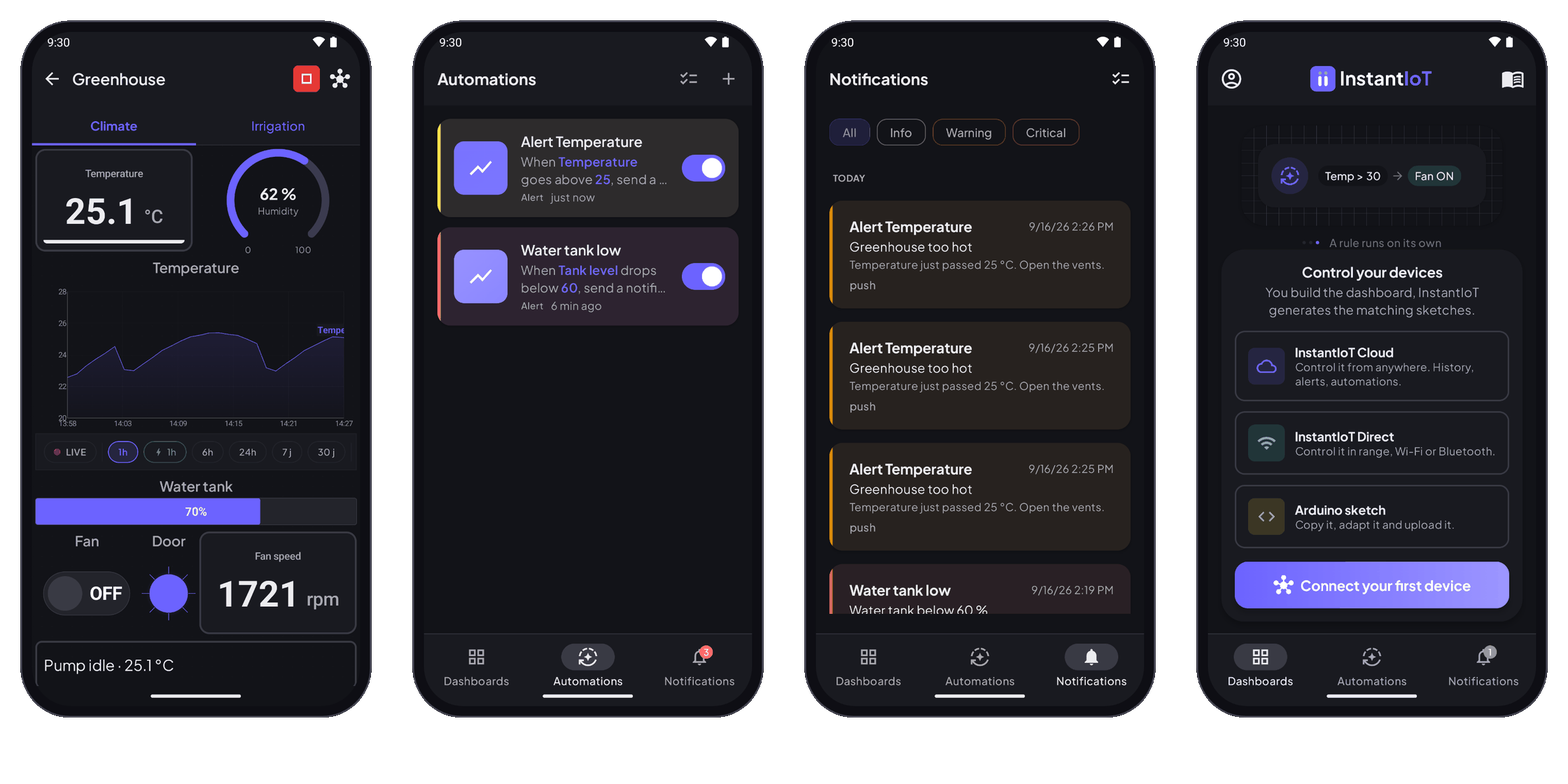
Design the dashboard on your phone, take the Arduino sketch it writes for you, complete your pins, sensors and actions, upload. Then control and monitor your IoT project from anywhere over the Cloud — or right next to it, over Bluetooth and Wi-Fi.
Every Arduino maker knows this story.
What changes when the app, the network and the plans stop being your problem.
Design. Generate. Complete. Upload.
Four steps, and your project is online.
Design your dashboard
Open the app and lay out what you want to see and touch — a gauge, a curve, a button. Nothing to code here.
Get your connected template
InstantIoT hands you the firmware, already wired to the addresses you just created.
Write what your hardware does
Open it in the IDE you already use. Your pins, your sensors, your logic — that part stays yours.
Power it up, from anywhere
Upload, plug it in, and your project answers from your phone — in the next room or three countries away.
Use cases
What can you build in a single evening?
Three projects we are building ourselves, with the app, the library and the Cloud you get. Start with one device; grow when the project asks for it.
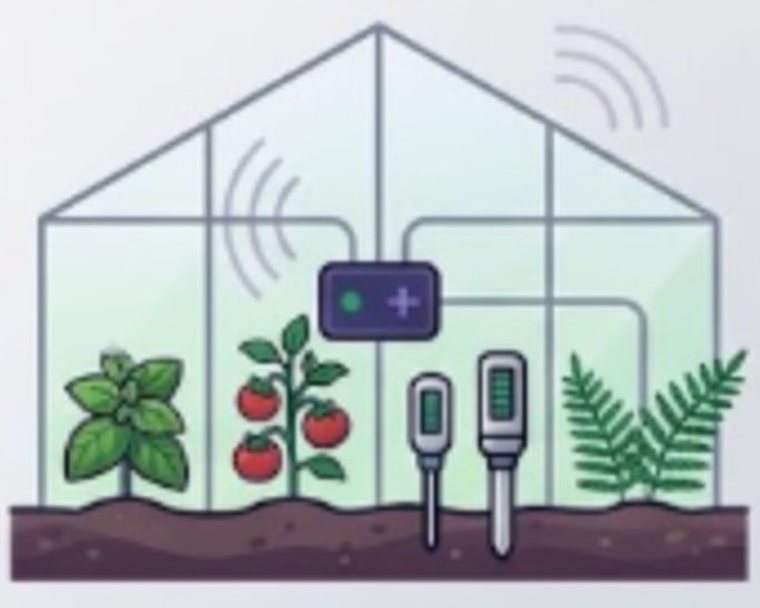
Connected greenhouse
Temperature, humidity, the tank. A switch for the fan, a rule that opens the vents when it gets too hot — and a notification when it did.
Read the build log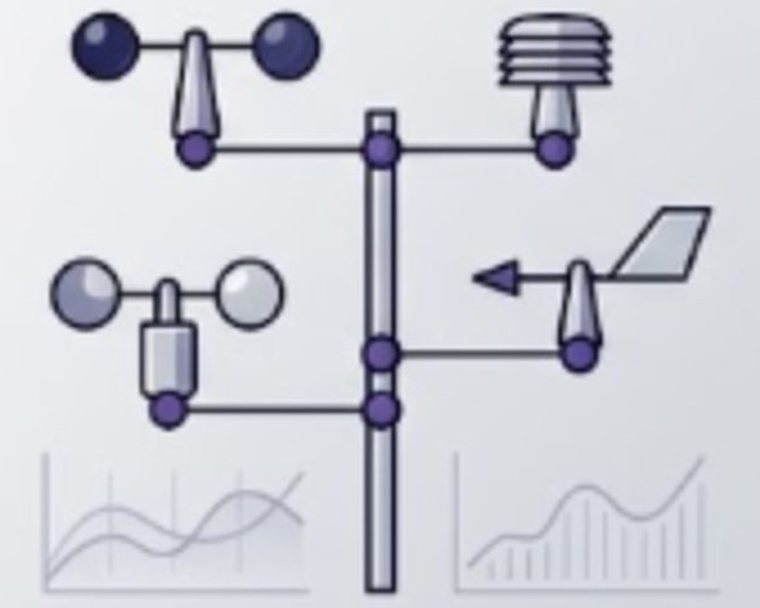
Weather station
Wind, pressure, rain, a temperature curve you can scroll back through a week or a month. The device outside, the history on your phone.
Build log comingSmart beehives
Weight, temperature, humidity of a hive at the far end of the field. Nobody is there — the Cloud is, and the weight curve of a whole season.
Build log comingThe work you skip
Skip rebuilding the app and the connection layer.
The hardware is the part you know. Then the work expands — an app to code, a dashboard to wire to every value, a remote connection to set up from scratch. None of that is your project, and all of it stands between you and a working one.
You don’t start from a blank file. You draw your dashboard on your phone, and InstantIoT gives you the firmware template already wired to it. You complete the sketch with your pins, your sensors, your actions — the app and the cloud connection are done.
You still decide what your hardware does.
in service, both ways built by InstantIoT completed by you
The cloud
Your project should not stop working
when you leave the room.
Remote access
Your dashboard answers from anywhere.
Control your devices and consult your dashboards when you are not on the same local network — from the office, from another city, from a train.
History
See what happened while you were away.
Keep the sensor signals that matter, and scroll back through the night, the week or the season — minute by minute where it counts.
Rules and alerts
Your project tells you before you have to ask.
Let it react to a condition on its own, and reach you when something needs your attention — even with the app closed.
Plans
Plans that match the real size of your projects.
Start free with your first two devices. Move up when your project needs more devices, longer history or more automations — and only then.
Your first connected project, and the whole workflow end to end.
- 2 devices
- 6 historised signals
- 7 days of history
- 2 automations
- 50 push notifications a day
When one project becomes a system you check every week.
- 25 devices
- 40 historised signals
- 90 days of history
- 25 automations
- 500 push notifications a day, and 30 e-mails a month
Built by a maker. Shaped by real projects.
InstantIoT is built around the problems that appear when a real project moves beyond a local prototype — and the community helps shape what comes next.
InstantIoT App
Your whole project fits in the phone already in your pocket.
Draw your dashboard, get your connected firmware template and watch your sensors live — from your bench, or from the other side of the country. Install the app and build your first connected project on the Free plan.
Linking widget and device
One address in the app, one block in your sketch.
A widget doesn’t hold your data — it looks at a signal. Your sketch writes to an address, or reacts to one, and everything watching that address follows. Seventeen widgets, one grammar.
ISimpleButton(I0) {WHEN_PRESSED { on(); }WHEN_RELEASED { off(); }}
IHorizontalSlider(I1, float v) {analogWrite(LED_PIN, v);}
IJoystick(I2, float x, float y) {drive(x, y);}
float level = readTank();InstantIoT.write(I3, level);
// one bar = one signalInstantIoT.write(I4, temp);InstantIoT.write(I5, humid);InstantIoT.write(I6, press);
// one series = one signalInstantIoT.write(I7, celsius);InstantIoT.write(I8, humidity);
ISimpleButton(I0) {WHEN_PRESSED { on(); }WHEN_RELEASED { off(); }}
IHorizontalSlider(I1, float v) {analogWrite(LED_PIN, v);}
IJoystick(I2, float x, float y) {drive(x, y);}
float level = readTank();InstantIoT.write(I3, level);
// one bar = one signalInstantIoT.write(I4, temp);InstantIoT.write(I5, humid);InstantIoT.write(I6, press);
// one series = one signalInstantIoT.write(I7, celsius);InstantIoT.write(I8, humidity);
Seventeen widgets. One address, one block, the same grammar everywhere.
How to get your first device onlineFrequently asked questions
Is InstantIoT a mobile app or a web application?
The experience starts in the InstantIoT mobile app, and cloud access is introduced through it. A web application is planned for a later stage.
What hardware can I use?
Arduino-compatible hardware, including supported ESP32 and ESP8266 projects. Check the documentation for the current list and setup requirements.
Do I have to write code?
You never build a separate mobile application. InstantIoT generates the connected template; you complete the sketch with your pins, sensors, motors and actions.
Can I start with one device?
Yes. A project can start small and grow as your devices, data and automations grow.
What happens when my project reaches a plan limit?
Every limit is shown on the Plans page, translated into what it means for your project. Nothing is silently removed because your project grows.
Does it work without internet?
Yes. Your phone can talk to your board directly on the same network. What the cloud adds is everything that happens while you are not there: remote access, history and alerts.
Start building your connected project.
Your first project does not need a giant infrastructure. It needs a clear first step.
How to get your first device online